issue_comments: 620771067
This data as json
| html_url | issue_url | id | node_id | user | created_at | updated_at | author_association | body | reactions | issue | performed_via_github_app |
|---|---|---|---|---|---|---|---|---|---|---|---|
| https://github.com/dogsheep/dogsheep-photos/issues/14#issuecomment-620771067 | https://api.github.com/repos/dogsheep/dogsheep-photos/issues/14 | 620771067 | MDEyOklzc3VlQ29tbWVudDYyMDc3MTA2Nw== | 9599 | 2020-04-28T18:12:34Z | 2020-04-28T18:15:38Z | MEMBER | Python library docs: https://googleapis.dev/python/vision/latest/index.html I'm creating a new project for this called simonwillison-photos: https://console.cloud.google.com/projectcreate https://console.cloud.google.com/home/dashboard?project=simonwillison-photos Then I enabled the Vision API. The direct link to https://console.cloud.google.com/flows/enableapi?apiid=vision-json.googleapis.com which they provided in the docs didn't work - it gave me a "You don't have sufficient permissions to use the requested API" error - but starting at the "Enable APIs" page and searching for it worked fine. I created a new service account as an "owner" of that project: https://console.cloud.google.com/apis/credentials/serviceaccountkey (and complained about it on Twitter and through their feedback form)
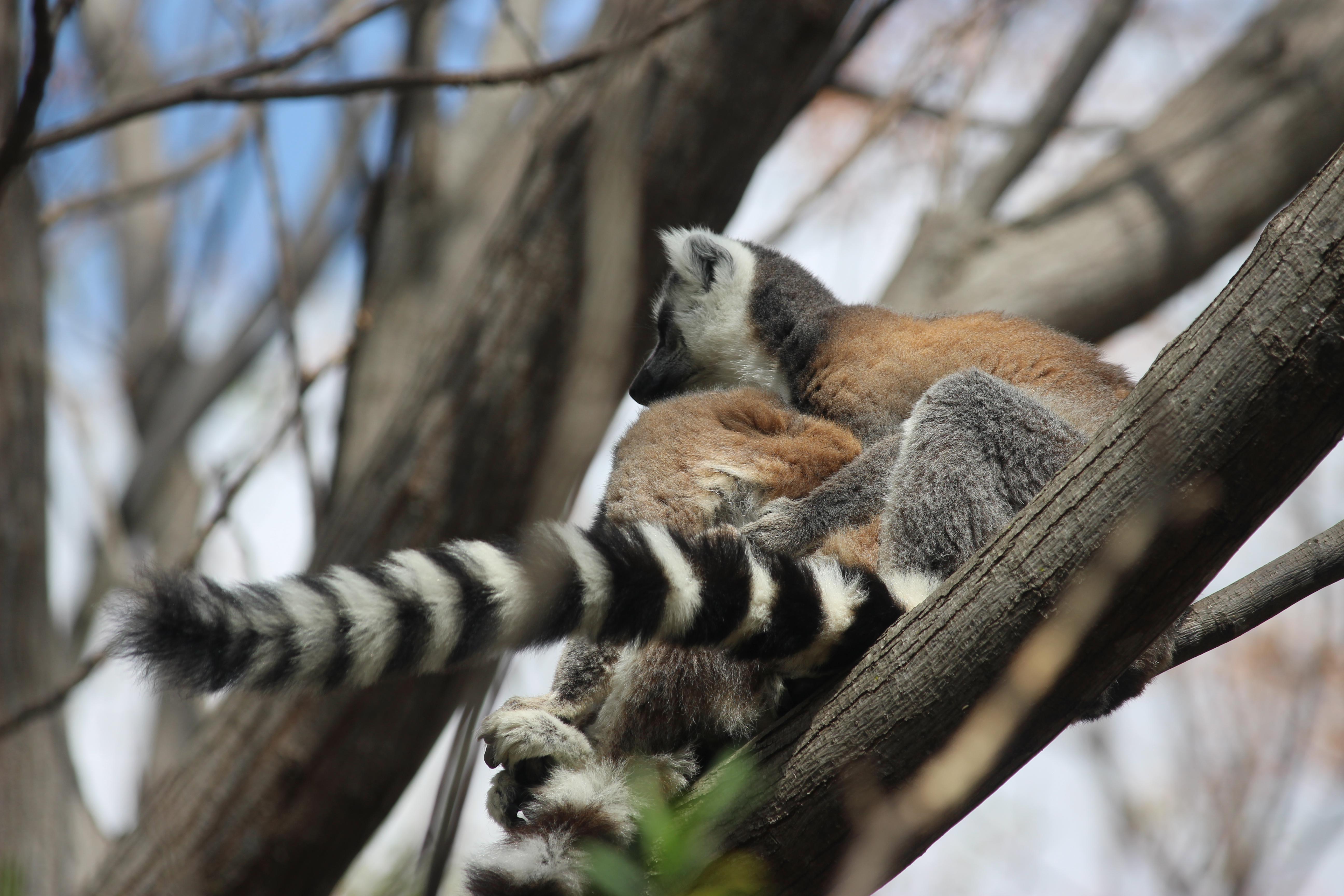
```python from google.cloud import vision client = vision.ImageAnnotatorClient.from_service_account_file("simonwillison-photos-18c570b301fe.json") Photo of a lemurresponse = client.annotate_image(
{
"image": {
"source": {
"image_uri": "https://photos.simonwillison.net/i/1b3414ee9ade67ce04ade9042e6d4b433d1e523c9a16af17f490e2c0a619755b.jpeg"
}
},
"features": [
{"type": vision.enums.Feature.Type.IMAGE_PROPERTIES},
{"type": vision.enums.Feature.Type.OBJECT_LOCALIZATION},
{"type": vision.enums.Feature.Type.LABEL_DETECTION},
],
}
)
response
|
{
    "total_count": 0,
    "+1": 0,
    "-1": 0,
    "laugh": 0,
    "hooray": 0,
    "confused": 0,
    "heart": 0,
    "rocket": 0,
    "eyes": 0
} |
608512747 |